AI Invoices
A first-of-its-kind AI-powered feature that lets QuickBooks Mobile users photograph anything and automatically generate a transaction quickly.

Reducing the manual workload.
QuickBooks Mobile users were spending significant time manually entering invoice data. Small business owners photographed invoices on their phones but had no way to digitize them automatically.
The Solution
I created a feature that reads invoice photos and auto-creates transactions, reducing manual data entry to near zero.

Using previous design to develop the future
As part of the process, I audited many areas of the current app and discovered that we have a similar feature that captured receipts. rather than start from scratch, I utilized this design, and built onto it.
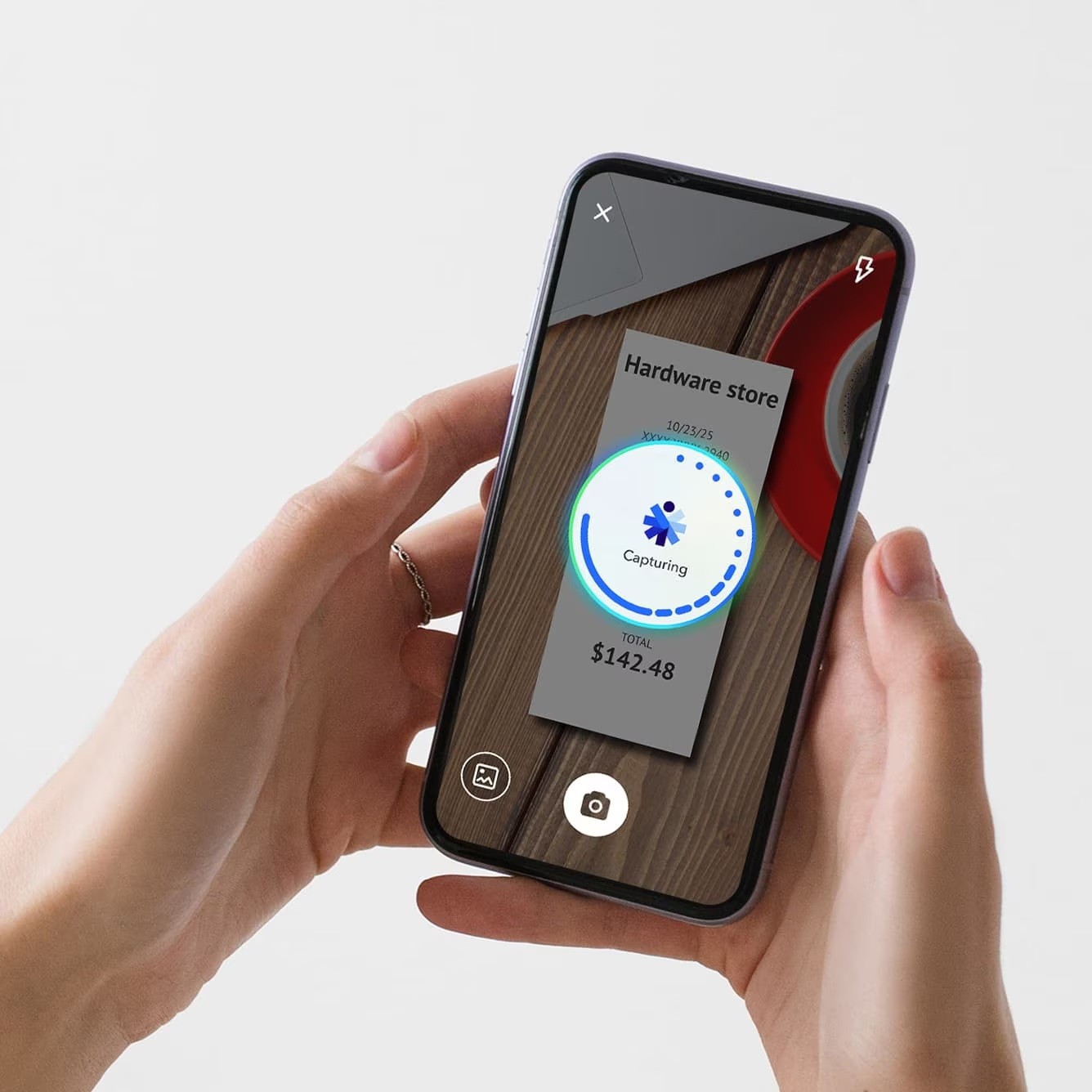
The final design distilled the flow to three steps: photograph the invoice, AI extracts line items and totals in real time, then a smart confirmation screen surfaces only the fields that need review , skipping confirmation entirely when AI confidence exceeds the threshold.
Improving the entry point
I did a user testing study on 8 participants to determine a few of the key new flows for image capture. First was the entry points, and second was the loading state.
I found that customers had a hard time seeing the camera button as an entry point. I updated the design to include a button called “Autofill” to help make this more clear.

Voice Capture Enhancement
During a sprint with our lead developer during our companies hackathon week, I created a updated design that included the ability to create an invoice via voice capture or through plain text.

73%
Success rate of start to completion
1st
AI native feature in QuickBooks Mobile
Learnings
Scaling through pattern recognition: Innovation doesn't require abandoning what works. Auditing existing workflows and benchmarks let me simplify the known, focusing design energy on the unknown challenges of AI.